Best AI Tools for Students (Free): Notes, PPT, Research & Exam Prep
Most students need just three kinds of AI tools: one AI assistant (like ChatGPT, Claude or Gemini) for explanations and quizzes, a tool that shows sources for research, and an AI slide or design tool for presentations. Use AI to learn, not to copy.
- Pick one assistant and use it daily – skills transfer between apps.
- For facts, use tools that show sources and open the links.
- Ask AI for hints and quizzes, not finished assignments.
There are hundreds of apps, but AI tools for students fall into a few simple groups. Tool names and free limits change often, so check each tool's official site.
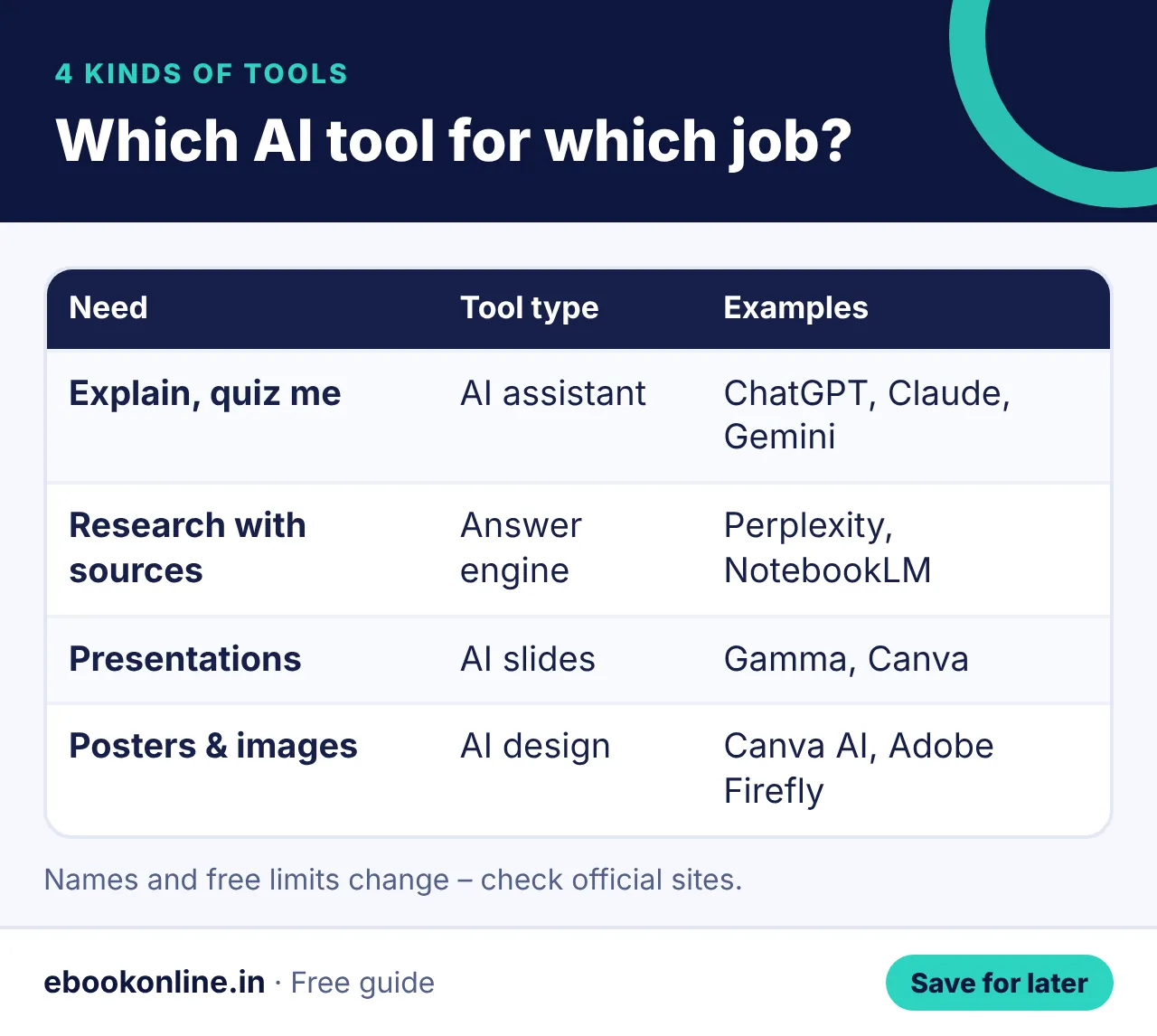
The 4 kinds of AI tools students use
Show as text
| Need | Type of tool | Examples |
|---|---|---|
| Explain a topic, quiz me | AI assistant | ChatGPT, Claude, Gemini |
| Research with sources | Answer engine that shows links | Perplexity, NotebookLM (your own PDFs) |
| Presentations | AI slides | Gamma, Canva |
| Posters & images | AI design | Canva AI, Adobe Firefly |
Useful study prompts
- "Explain [topic] like I am in Class [X], with an Indian example."
- "Give me 10 MCQs on [topic] with answers at the end."
- "Here is my answer – point out mistakes but don't rewrite it."
Want 20 ready study prompts? See ChatGPT prompts for students. For revision methods, read study tips that actually work.
Open one AI assistant, paste your toughest topic and ask for "10 MCQs with answers at the end". Answer them without looking.
Use AI safely and honestly
- Never paste OTPs, passwords or ID numbers.
- Check facts against your textbook.
- Follow your school or college rules on AI use.
- Use AI to quiz yourself and get hints – not to submit its work as yours.
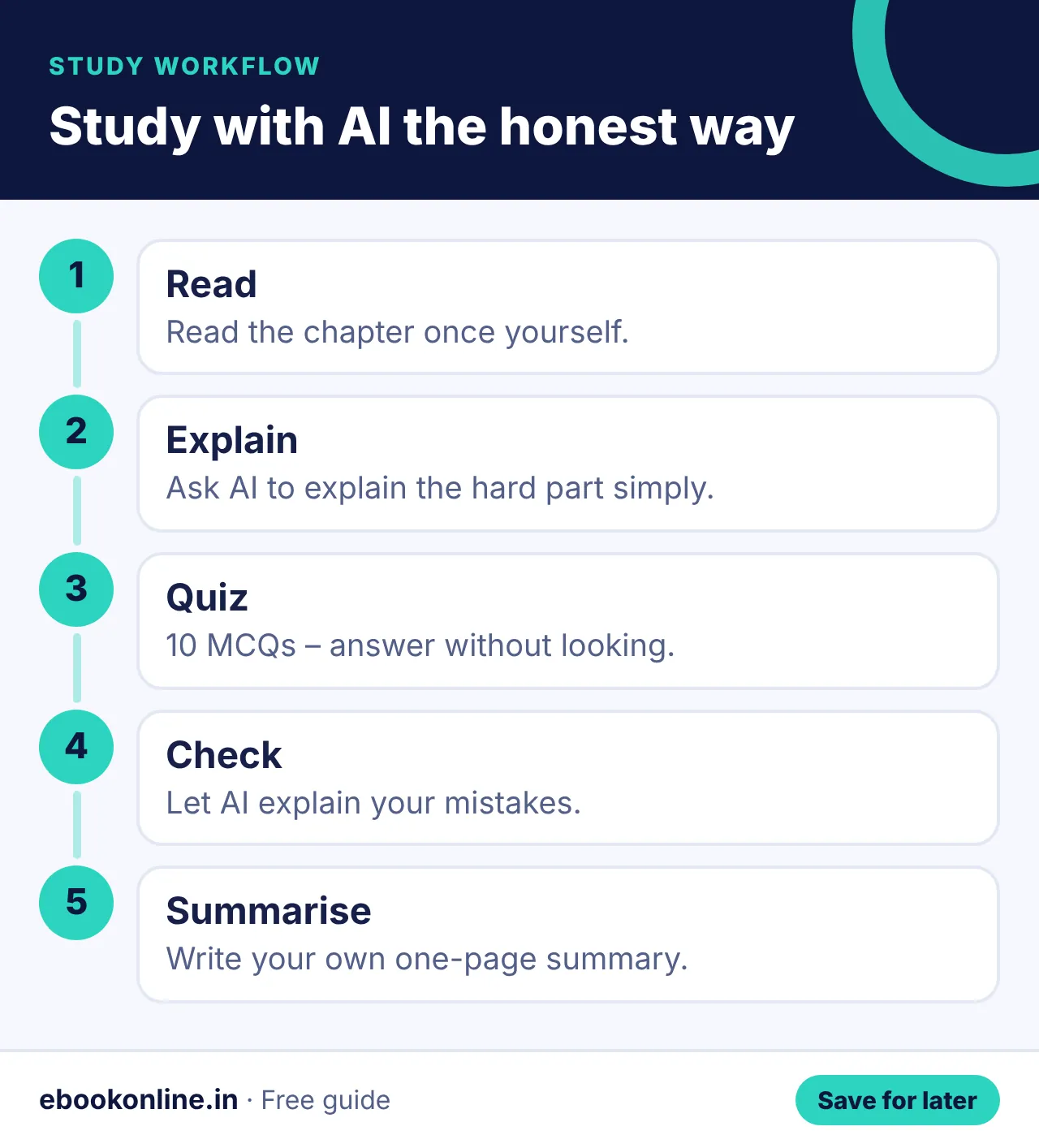
A simple study workflow with AI
Show as text
- Read the chapter once yourself.
- Ask AI to explain the hard part in simple words.
- Ask for 10 MCQs and answer them without looking.
- Ask AI to check your answers and explain mistakes.
- Make your own one-page summary.
Mistakes to avoid
- Trusting AI facts without checking.
- Copy-pasting AI answers into assignments.
- Using five apps at once instead of learning one well.
Try AI photo editing prompts for fun. More: Online Earning & AI eBooks.
A look inside the eBook: AI Tools for Beginners
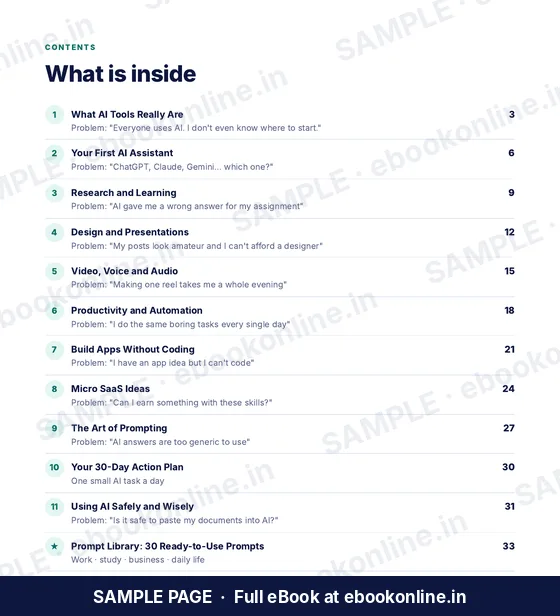
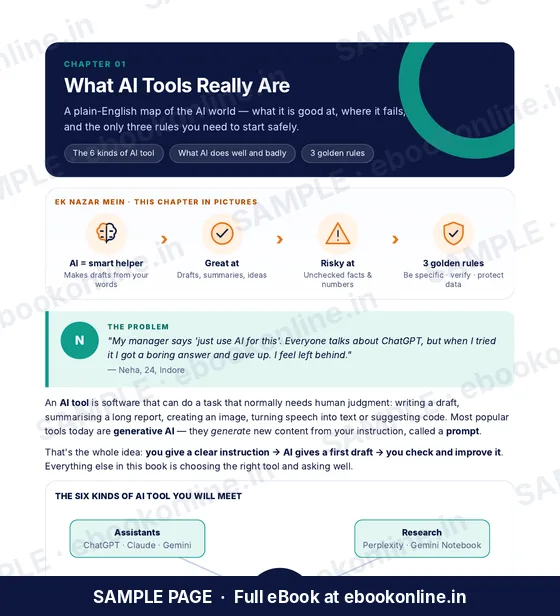
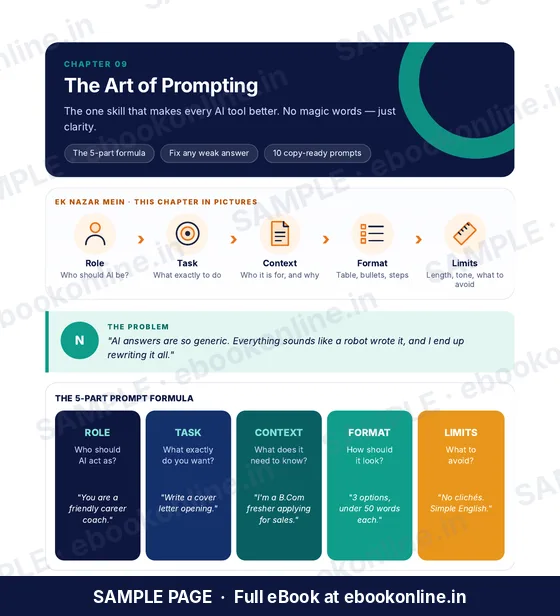
This article covers the basics. The full eBook goes step by step – these are real sample pages from the 39-page PDF. Tap any page to see it bigger.
What you get for ₹99
- 11 chapters: assistants, research, slides, video and voice tools
- The art of prompting – with ready examples
- Build simple apps without coding
- A 30-day action plan and AI safety rules
- 39-page PDF · read on phone or print at home · instant download after payment
Coming soon.
Frequently asked questions
Which AI tool is best for students?
The best one is the assistant you use every day – ChatGPT, Claude or Gemini all work well for explanations and quizzes.
Is using AI for homework cheating?
Using AI to understand, practise and get hints is learning. Submitting AI-written work as your own usually breaks school rules.
Can AI make a PPT?
Yes. Tools like Gamma and Canva can create a first draft of slides that you then edit.
Are AI tools free for students?
Many AI tools have free plans with limits. Check each tool's official site for the latest limits.
Can AI help with maths?
AI can explain steps and give hints, but always check the working – it can make calculation mistakes.