20 Trending AI Photo Editing Prompts for Boys, Girls & Couples (Copy-Paste)
The best AI photo editing prompts tell the AI to keep your face exactly the same, then describe the outfit, the place, the light and the size. Here are 20 ready-to-copy prompts and the formula behind them.
- Always start with: "keep my face, features and skin tone exactly the same".
- Then add outfit + place + lighting + style + size (4:5, 9:16, 1:1).
- Only edit photos of yourself or people who have given permission.
AI photo editing apps can turn a simple selfie into a studio portrait – if you give them a clear prompt. These AI photo editing prompts work in popular AI image tools; results vary between apps, so tweak a word or two if needed.
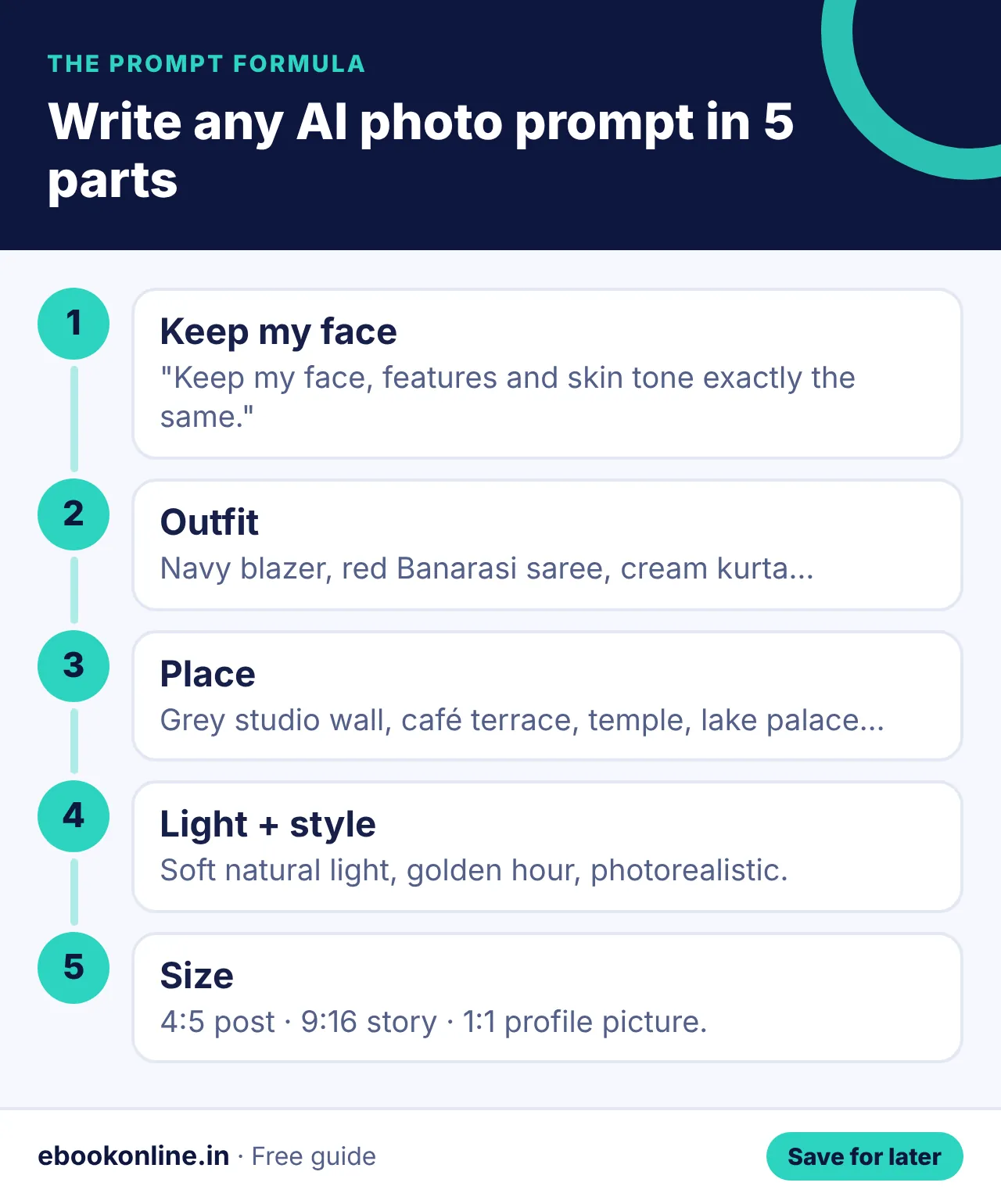
The prompt formula
Keep my face the same + outfit + place + lighting + style + size. Example: "Use my uploaded photo and keep my face exactly the same. Create a portrait of me in a navy blazer against a grey background. Soft natural light, photorealistic, 4:5."
6 prompts for boys and men
- Use my uploaded photo and keep my face, features and skin tone exactly the same. Create a professional LinkedIn headshot of me in a navy blazer and white shirt against a plain grey background. Soft natural light, photorealistic, sharp focus, 4:5 portrait.
- Use my uploaded photo and keep my face, features and skin tone exactly the same. Create a corporate portrait of me in a charcoal suit, standing in a modern glass office. Warm golden-hour light, realistic skin texture, high detail, 4:5.
- Use my uploaded photo and keep my face, features and skin tone exactly the same. Create a casual smart portrait of me in a crisp white linen shirt on a café terrace. Bright studio lighting, DSLR look with background blur, 4:5.
- Use my uploaded photo and keep my face, features and skin tone exactly the same. Create a festive portrait of me in a cream silk kurta with a Nehru jacket, holding a diya. Soft window light, natural colours, high resolution, 9:16 for Stories.
- Use my uploaded photo and keep my face, features and skin tone exactly the same. Create a wedding-guest portrait of me in a royal blue sherwani with a maroon stole. Cinematic moody lighting, realistic, no filters look, 1:1.
- Use my uploaded photo and keep my face, features and skin tone exactly the same. Create a travel photo of me standing on a Himalayan mountain road with a backpack. Clean even lighting, photorealistic, sharp focus, 4:5 portrait.
Copy one prompt, upload a clear front-facing photo, and change only the outfit first. Save the best version.
6 prompts for girls and women
- Use my uploaded photo and keep my face, features and skin tone exactly the same. Create a professional LinkedIn headshot of me in a beige blazer against a soft grey background. Soft natural light, photorealistic, sharp focus, 4:5 portrait.
- Use my uploaded photo and keep my face, features and skin tone exactly the same. Create a traditional saree portrait of me in a red Banarasi silk saree with gold jewellery. Warm golden-hour light, realistic skin texture, high detail, 4:5.
- Use my uploaded photo and keep my face, features and skin tone exactly the same. Create a vintage 1990s Bollywood-style portrait of me in a chiffon saree in the mountains with wind in my hair. Bright studio lighting, DSLR look with background blur, 4:5.
- Use my uploaded photo and keep my face, features and skin tone exactly the same. Create a festive portrait of me in a pastel lehenga holding a diya. Soft window light, natural colours, high resolution, 9:16 for Stories.
- Use my uploaded photo and keep my face, features and skin tone exactly the same. Create a South Indian look of me in a Kanjeevaram silk saree with jasmine flowers in my hair at a temple. Cinematic moody lighting, realistic, no filters look, 1:1.
- Use my uploaded photo and keep my face, features and skin tone exactly the same. Create a Bengali look of me in a white and red saree with a red bindi during Durga Puja. Clean even lighting, photorealistic, sharp focus, 4:5 portrait.
4 prompts for couples
- Use our uploaded photo and keep both our faces exactly the same. Create a pre-wedding photo of us on a Udaipur lake palace terrace at sunset. Natural light, photorealistic, 4:5.
- Use our uploaded photo and keep both our faces exactly the same. Create a vintage Bollywood-style photo of us dancing in a mustard field. Natural light, photorealistic, 4:5.
- Use our uploaded photo and keep both our faces exactly the same. Create a monsoon photo of us sharing one umbrella on a Mumbai street. Natural light, photorealistic, 4:5.
- Use our uploaded photo and keep both our faces exactly the same. Create a Diwali photo of us lighting diyas together. Natural light, photorealistic, 4:5.
4 prompts to fix old or blurry photos
- Restore this old photo: remove scratches, dust and folds, keep the faces exactly the same, natural colours.
- Colourise this black-and-white photo with realistic, natural skin tones and clothing colours.
- Make this photo sharper and higher quality without changing the face or making it look fake.
- Remove the blur from this photo and improve detail while keeping it natural.
Edit only your own photos or photos of people who have agreed. Don't create images that pretend to be someone else or could mislead people.
Tips for better AI photos
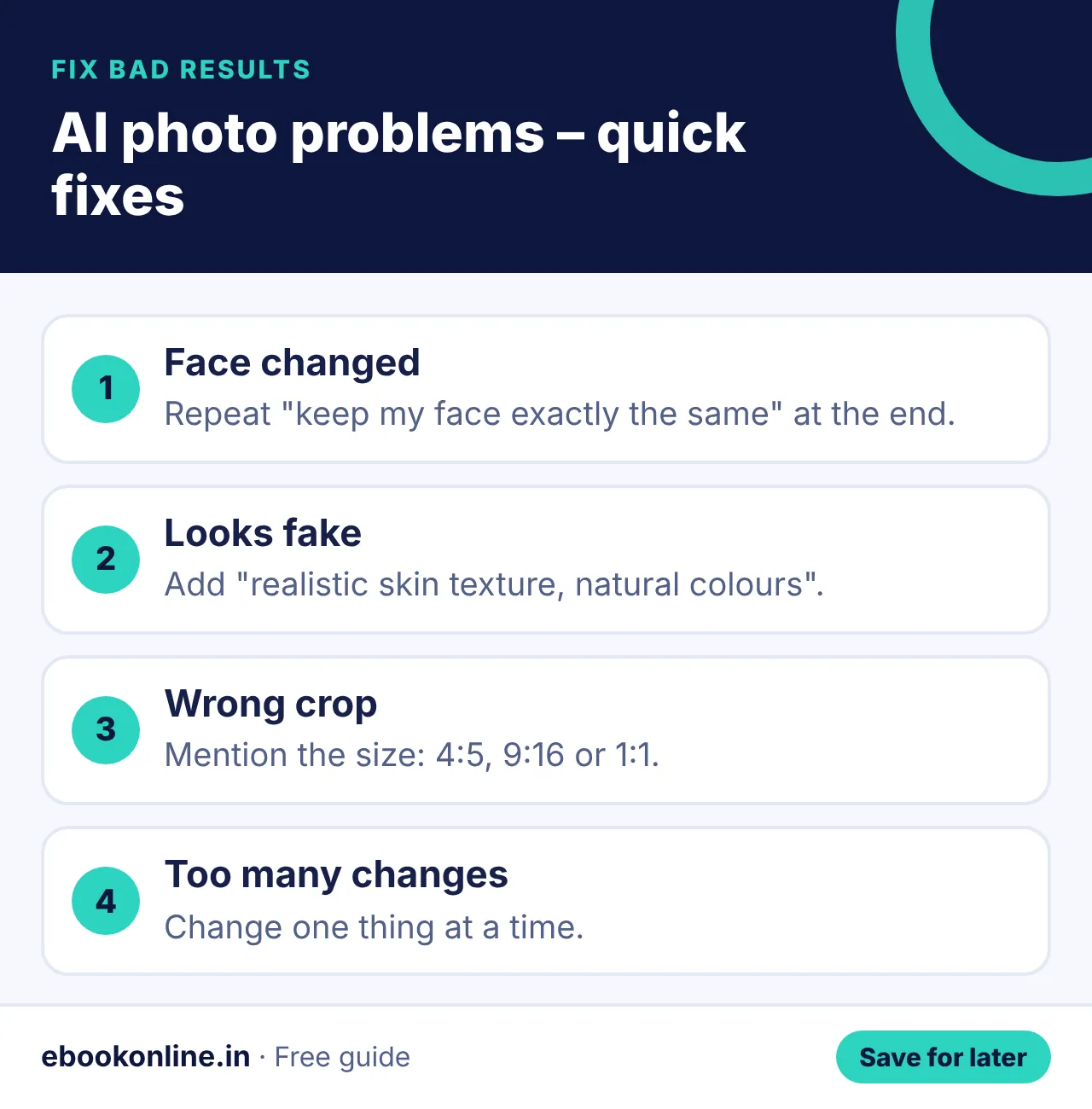
- Upload a clear, well-lit, front-facing photo.
- Mention the size: 4:5 for posts, 9:16 for stories, 1:1 for profile pictures.
- Change one thing at a time – outfit, then place, then light.
- If the face changes, repeat "keep my face exactly the same" at the end of the prompt.
Want prompts for study and work too? See ChatGPT prompts for students and our guide to AI tools for students. Using these photos on social media? Read Instagram followers kaise badhaye. All AI books: Online Earning & AI eBooks.
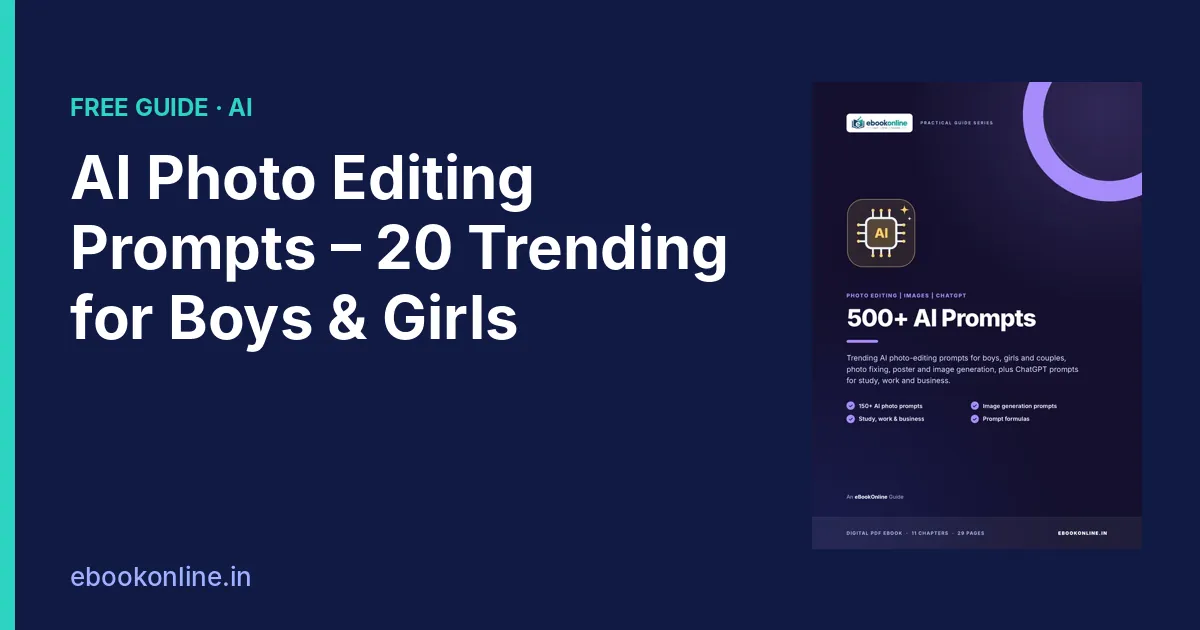
A look inside the eBook: 500+ AI Prompts
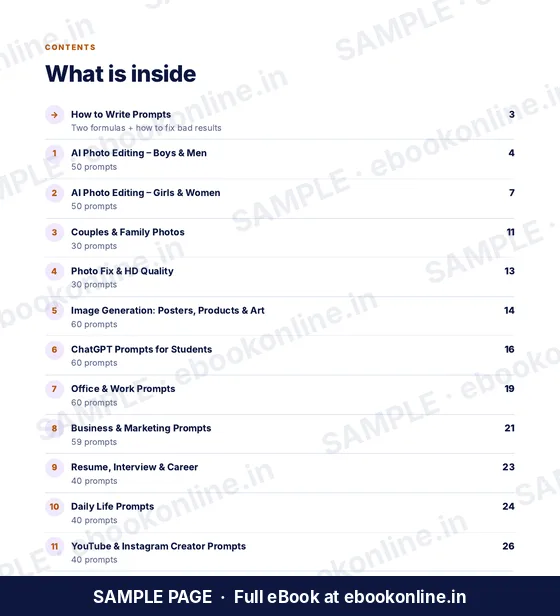
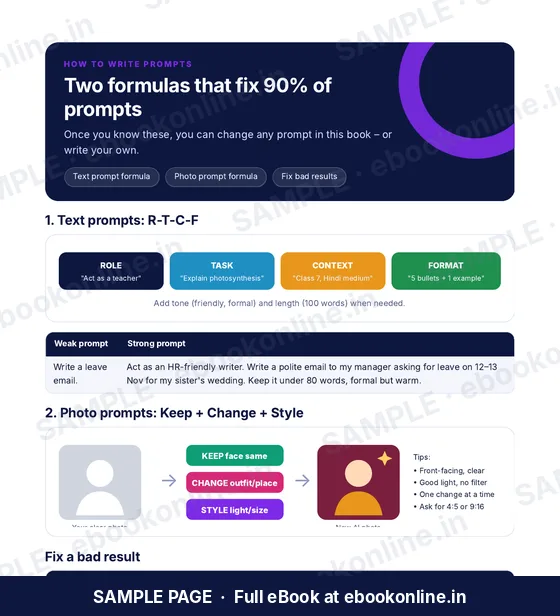
This article covers the basics. The full eBook goes step by step – these are real sample pages from the 29-page PDF. Tap any page to see it bigger.
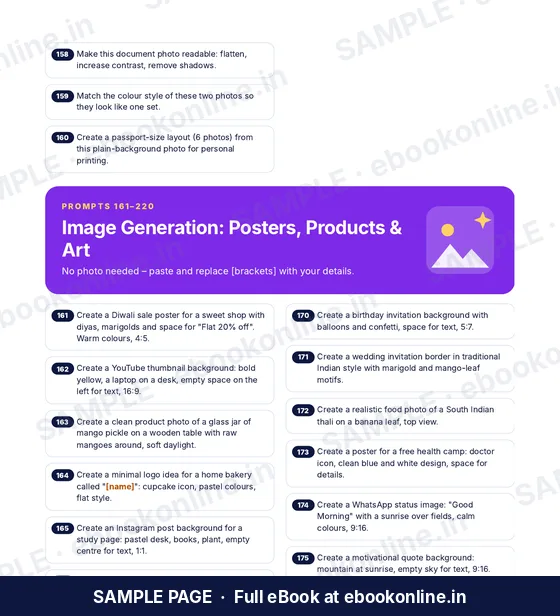

What you get for ₹99
- 160 AI photo-editing prompts
- 60 image-generation prompts
- 2 prompt formulas
- How to Write Prompts – Two formulas and how to fix bad results.
- Photo Editing – Men – 50 prompts.
- 29-page PDF · read on phone or print at home · instant download after payment
Coming soon.
Frequently asked questions
Which app is best for AI photo editing prompts?
These prompts are written in plain language and work in most popular AI image tools. Results differ between apps, so try the same prompt in the one you use.
How do I keep my face the same in AI photos?
Upload a clear, front-facing photo and start the prompt with "keep my face, features and skin tone exactly the same".
Can I restore old photos with AI?
Yes. Ask the AI to remove scratches and folds, keep the faces exactly the same and use natural colours.
Why does AI change my face?
The photo may be unclear or the prompt may not ask to keep the face. Use a clear photo and repeat that the face must stay exactly the same.
Are AI photo prompts free?
The prompts here are free to copy. Some AI apps limit free use, so check the app you use.