- Home
- Free guides
- Design
How to Make a Resume in Canva – Free Templates for Freshers
Canva lets you make a clean, professional resume for free in about 30 minutes. Here is how to make a resume in Canva step by step – and how to keep it ATS-friendly so job portals can read it.
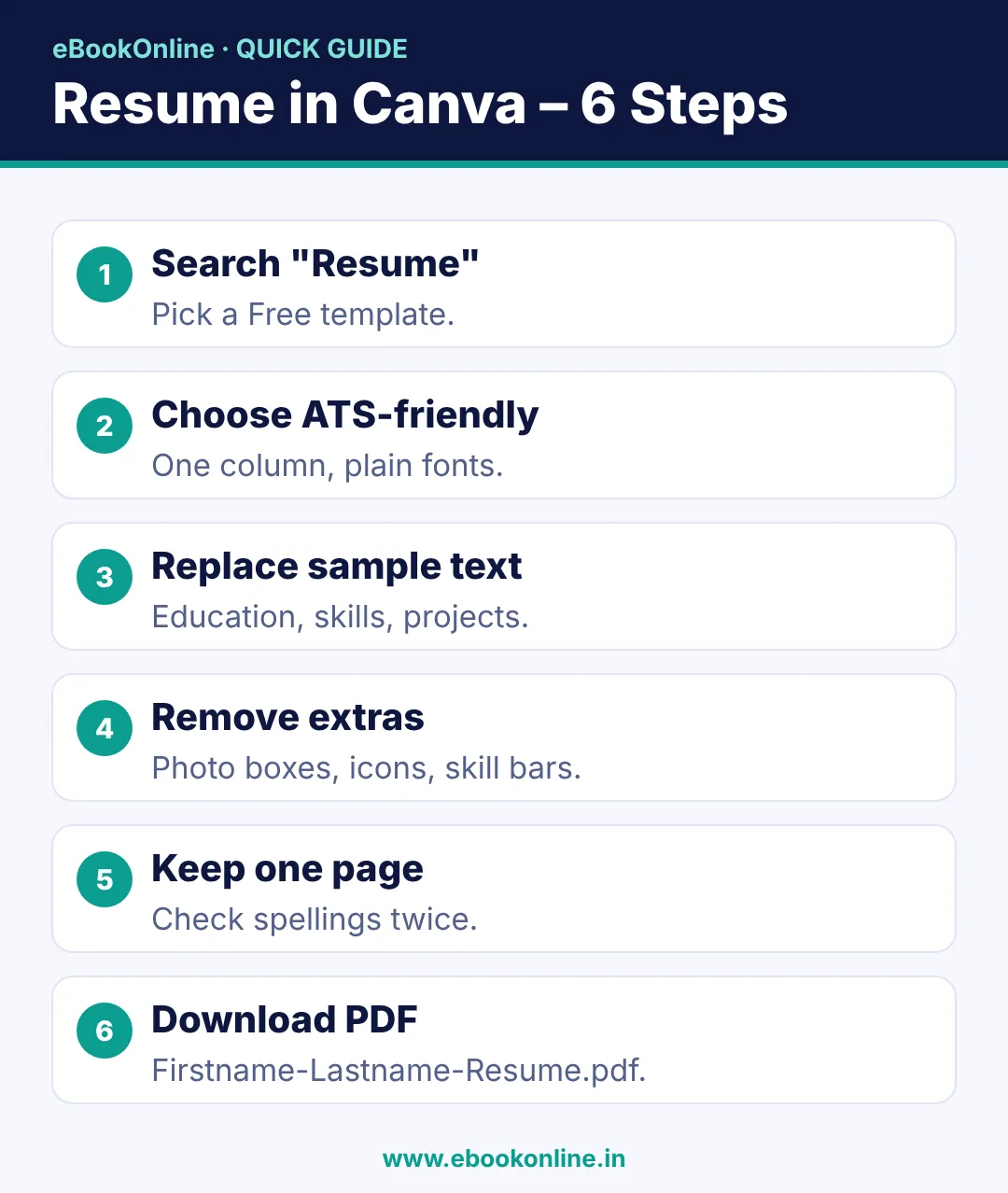
- Pick a simple one-column template – it is easier for job portals (ATS) to read.
- Replace every sample word with your own details; delete what you don't need.
- Download as PDF Standard and name the file Firstname-Lastname-Resume.pdf.
A neat resume makes a good first impression, and you don't need Word skills or paid software for it. Canva is free, works on mobile and laptop, and has hundreds of resume templates. In this guide you will learn how to make a resume in Canva, what to write in each section, and how to avoid design mistakes that stop your resume from being read by job portals.
What you need
- A free Canva account (sign up at canva.com or in the Canva app with Google or email).
- Your details: education, skills, projects, internship, certificates, contact.
- 30 minutes.
If you are not sure what to write, read our resume format for freshers first and keep your points ready.
Open Canva, search "simple resume" and pick a one-column template. Change only the name and phone number today – the rest takes 20 minutes tomorrow.
How to make a resume in Canva: step by step
Step 1: Search for a resume template
Open Canva and type "Resume" in the search bar. Choose a template with the "Free" label (templates with a crown are paid). Use the filter to see simple or minimal styles.
Step 2: Pick an ATS-friendly design
Many companies use software called ATS (Applicant Tracking System) to read resumes before a human sees them. Fancy designs can confuse it. Choose a template that has:
- One column (or a very simple two-column layout).
- Clear headings like Education, Skills, Projects.
- No skill bars, star ratings or text inside images.
- A plain font like Arial, Open Sans, Lato or Roboto.
Step 3: Replace the sample text
Click on each text box and type your own details. Follow this order for freshers:
- Name, phone, email, city, LinkedIn (optional)
- Career objective – 2 lines about the role you want
- Education – latest first, with marks or CGPA
- Skills – 6 to 10 real skills (for example MS Excel, Canva, communication)
- Projects or internship – what you did and the result
- Certificates and achievements
- Languages and hobbies (optional, keep short)
Step 4: Remove what you don't need
Delete photo boxes, icons and extra sections that don't apply to you. Click the element and press the trash icon. A photo is not required in most Indian private-sector resumes unless the job asks for it.
Step 5: Fix fonts, size and spacing
| Element | Recommended |
|---|---|
| Name | 24–28 pt, bold |
| Section headings | 13–15 pt, bold |
| Body text | 10.5–12 pt |
| Margins | At least 1.5 cm on all sides |
| Colours | Black text, one soft accent colour |
Step 6: Check spelling and keep it to one page
Read every line twice. Ask a friend to check spellings, dates and your phone number. For freshers, one page is best.
Step 7: Download as PDF
Click Share → Download → PDF Standard → Download. Name the file like Riya-Sharma-Resume.pdf, not "resume final new 2.pdf". PDF keeps your design the same on every phone and laptop.
Making a resume in Canva on mobile
The steps are the same in the Canva app: search "Resume", tap a template, tap any text to edit, use the + button to add text, and tap the download icon to save as PDF. Zoom in with two fingers to edit small text. Do a final check on a laptop if you can, because small spacing problems are easier to see on a big screen.
Canva resume mistakes to avoid
- Skill bars and star ratings – "Excel ★★★★" means nothing to a recruiter. Write "MS Excel – VLOOKUP, pivot tables".
- Too many colours and icons – keep it clean.
- Text inside images – ATS cannot read it.
- Two pages for freshers – cut extra lines.
- Sample text left behind – one "Lorem ipsum" line looks careless.
Make two versions of your resume
Make one simple ATS version for job portals like Naukri, LinkedIn and company websites. You can make a second, more designed version for creative jobs (designer, social media) or to send directly on WhatsApp or email. In Canva, click File → Make a copy to create the second version in seconds.
If you are applying for office jobs, add real computer skills – our Excel shortcut keys list is a quick way to back up the "MS Excel" line on your resume. New to Canva? Start with how to make an Instagram post in Canva to learn the basic tools. For interview answers to go with your new resume, see the Resume & Interview Guide.
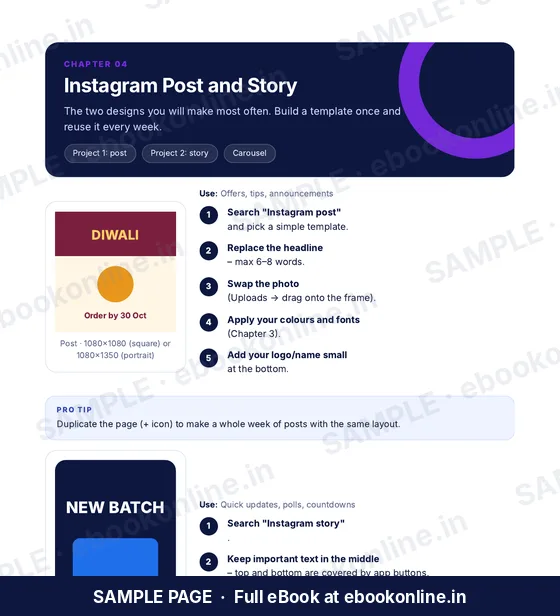
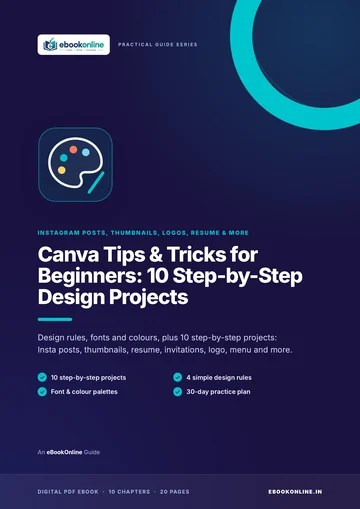
A look inside the eBook: Canva Tips & Tricks for Beginners: 10 Step-by-Step Design Projects
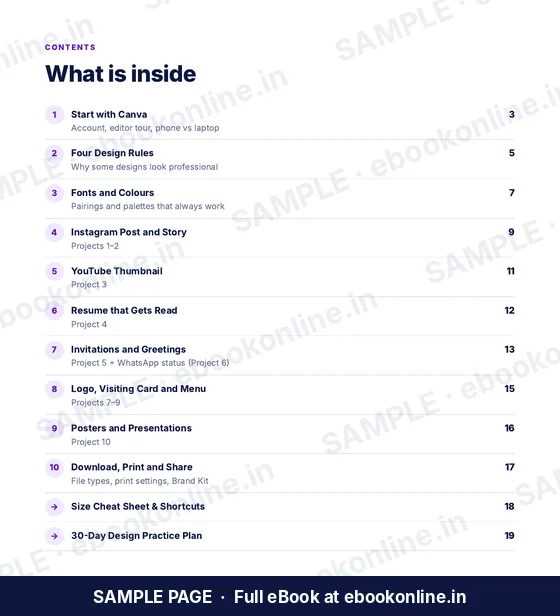
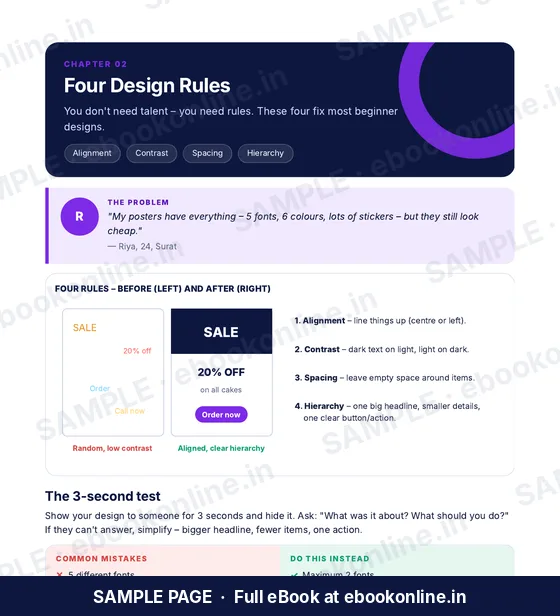
This article covers the basics. The full eBook goes step by step – these are real sample pages from the 20-page PDF. Tap any page to see it bigger.
What you get for ₹99
- 10 step-by-step projects
- 4 simple design rules
- Size cheat sheet
- Start with Canva – Editor tour on phone and laptop.
- Four Design Rules – Why some designs look professional.
- 20-page PDF · read on phone or print at home · instant download after payment
Coming soon.
Frequently asked questions
Is Canva free for making a resume?
Yes. Canva has many free resume templates. Templates or elements with a crown icon are paid, so choose the ones marked Free.
Is a Canva resume ATS-friendly?
It can be, if you choose a simple one-column template with plain fonts and no skill bars, icons or text inside images. Download it as PDF Standard.
Can I make a resume in Canva on my phone?
Yes. Open the Canva app, search Resume, pick a template, edit the text and download it as a PDF.
Should I add a photo to my resume?
In most Indian private-sector jobs a photo is not needed. Add one only if the job post asks for it.
How long should a fresher resume be?
One page is best for freshers. Keep only the most useful details: education, skills, projects and contact.