- Home
- Free guides
- Career
Excel Shortcut Keys List – 50 Most Used Shortcuts (With PDF Tips)
Tired of clicking through menus in Excel? These 50 Excel shortcut keys make everyday work twice as fast – for office reports, college projects and home budgets.
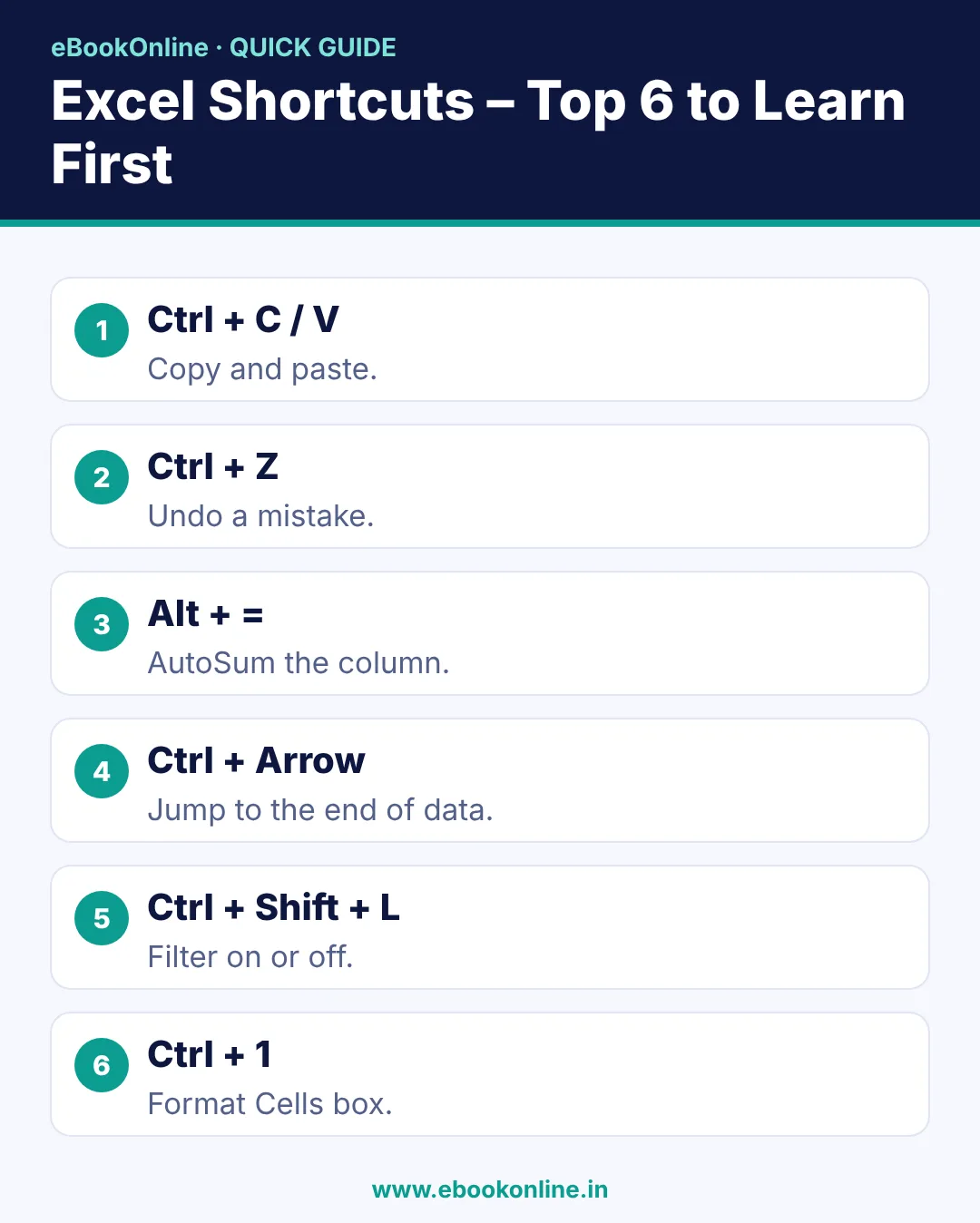
- The 5 most useful shortcuts: Ctrl+C, Ctrl+V, Ctrl+Z, Ctrl+S and Alt+= (AutoSum).
- Ctrl + Arrow key jumps to the end of your data in one second.
- Learn 5 new shortcuts a day – you will know all 50 in 10 days.
The fastest way to work in Excel is with shortcut keys. A task that takes 5 seconds with the mouse takes 1 second with the keyboard. This list is for Windows; on a Mac, use Cmd instead of Ctrl for most of them.
Excel shortcut keys you will use every day (10)
| Shortcut | What it does |
|---|---|
| Ctrl + C | Copy |
| Ctrl + X | Cut |
| Ctrl + V | Paste |
| Ctrl + Z | Undo |
| Ctrl + Y | Redo |
| Ctrl + S | Save |
| Ctrl + N | New workbook |
| Ctrl + O | Open a file |
| Ctrl + P | |
| Ctrl + F | Find |
Open Excel, type a few numbers in a column, go to the empty cell below them and press Alt + =. The total appears automatically.
Shortcuts to move around your data
| Shortcut | What it does |
|---|---|
| Ctrl + Arrow key | Jump to the edge of the data (up, down, left, right) |
| Ctrl + Home | Go to cell A1 |
| Ctrl + End | Go to the last used cell |
| Ctrl + Page Down | Next sheet |
| Ctrl + Page Up | Previous sheet |
| Ctrl + G | Go to any cell |
Shortcuts to select data
| Shortcut | What it does |
|---|---|
| Ctrl + A | Select all data |
| Shift + Arrow key | Extend the selection one cell at a time |
| Ctrl + Shift + Arrow key | Select to the end of the data |
| Shift + Space | Select the whole row |
| Ctrl + Space | Select the whole column |
Ctrl + Shift + Arrow is the most useful shortcut of all. It selects 5,000 rows in one second.
Shortcuts for rows, columns and cells
| Shortcut | What it does |
|---|---|
| Ctrl + Shift + = (plus) | Insert a row, column or cell |
| Ctrl + - (minus) | Delete a row, column or cell |
| Ctrl + 9 | Hide the row |
| Ctrl + 0 | Hide the column |
| Ctrl + D | Copy the cell above into the cells below (Fill Down) |
| Ctrl + R | Copy the cell on the left to the right (Fill Right) |
| F2 | Edit the active cell |
| Alt + Enter | New line inside the same cell |
Formatting shortcuts
| Shortcut | What it does |
|---|---|
| Ctrl + B | Bold |
| Ctrl + I | Italic |
| Ctrl + U | Underline |
| Ctrl + 1 | Open Format Cells |
| Ctrl + Shift + $ | Currency format |
| Ctrl + Shift + % | Percentage format |
| Ctrl + Shift + ! | Number format with commas |
| Ctrl + T | Turn the data into a Table |
Formula and calculation shortcuts
| Shortcut | What it does |
|---|---|
| Alt + = | AutoSum (total) |
| F4 | Add $ to a cell reference (fixed cell) / repeat the last action |
| Ctrl + ` | Show all formulas |
| Ctrl + ; | Today's date |
| Ctrl + Shift + ; | Current time |
| F9 | Recalculate the sheet |
| Shift + F3 | Insert Function |
To learn the formulas themselves, read our Excel formulas list, and for marksheets see the percentage formula in Excel.
Shortcuts to clean and filter data
| Shortcut | What it does |
|---|---|
| Ctrl + Shift + L | Turn filters on or off |
| Alt + Down Arrow | Open the filter list |
| Ctrl + E | Flash Fill (split or join names in one go) |
| Ctrl + H | Find & Replace |
| Alt + H + O + I | AutoFit column width |
| Ctrl + K | Insert a hyperlink |
How much time do shortcuts save?
Say you copy, paste, save and select about 100 times a day. Each time the mouse takes 3–4 seconds and a shortcut takes 1 second. That is about 5 minutes saved every day and more than 2 hours a month. People who seem fast in Excel are mostly just using these shortcuts, not secret formulas.
How to learn all 50 shortcuts in 10 days
- Pick 5 shortcuts a day and stick them on a note next to your screen.
- That day, use only those shortcuts instead of the mouse.
- The next day, add 5 new ones and repeat yesterday's 5.
- After 10 days, go through this list again and tick the ones you forgot.
Before you answer "Yes, I know Excel" in an interview, practise these shortcuts – they prove the Excel skill you list on your resume.
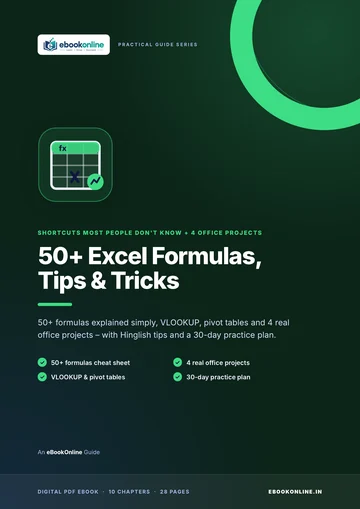
A look inside the eBook: 50+ Excel Formulas, Tips & Tricks
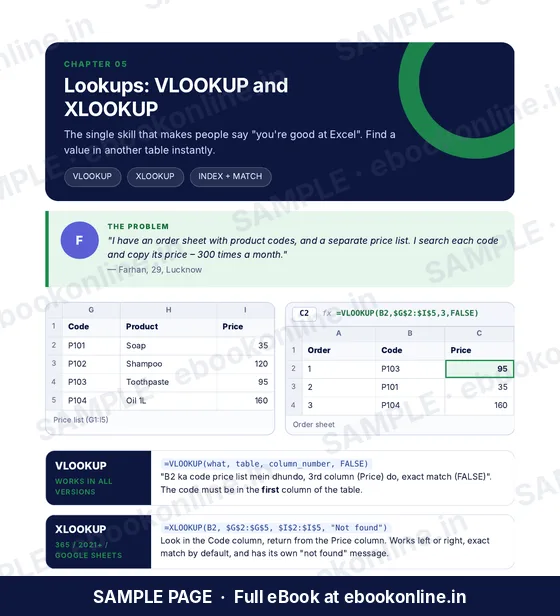
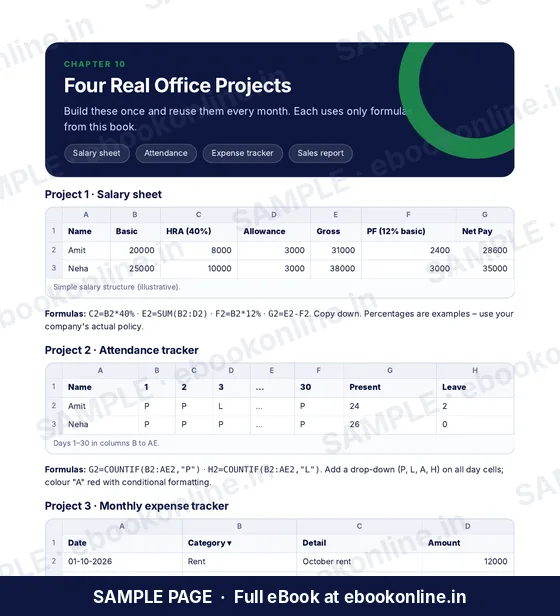
This article covers the basics. The full eBook goes step by step – these are real sample pages from the 28-page PDF. Tap any page to see it bigger.
What you get for ₹99
- 50+ formula cheat sheet
- VLOOKUP & pivot tables
- 4 real office projects
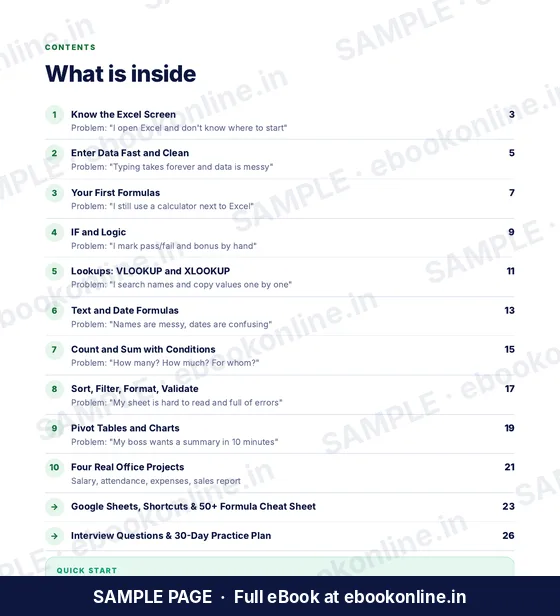
- Know the Excel Screen – Cells, formula bar, workbooks and sheets.
- Enter Data Fast – Flash Fill, Tables and clean data.
- 28-page PDF · read on phone or print at home · instant download after payment
Coming soon.
Frequently asked questions
What are the most used shortcut keys in Excel?
Ctrl+C (copy), Ctrl+V (paste), Ctrl+Z (undo), Ctrl+S (save), Alt+= (AutoSum) and Ctrl+Shift+L (filter).
How do I select a whole row in Excel?
Click any cell in the row and press Shift + Space. For the whole column, press Ctrl + Space.
What is the shortcut for total in Excel?
Go to the cell below your numbers, press Alt + = and then Enter. Excel adds the SUM formula for you.
Do these Excel shortcuts work on a Mac?
Most do – use Cmd instead of Ctrl. A few shortcuts are different on a Mac.
What is the shortcut to insert a row in Excel?
Select the row with Shift + Space, then press Ctrl + Shift + =. To delete it, press Ctrl + - (minus).